14. Charter Out Your VesselOffer Your Ship on the Charter Market
15. Profile, Languages & SupportSettings & Get Help
SECTION 1
Why Choose Geomarine?
The smarter way to supply a single vessel — the ship is your account
100% FREE for Buyers
No registration fees. No subscription. No commission charged to you. Ever.
A single-vessel account is built for the owner-operator, master, or small operator running one ship. There is no company or fleet step — the vessel itself is the account. You register the ship, browse the IMPA marine catalogue, place an order at any port, and registered suppliers compete with quotes. You get exactly the same buyer experience a large fleet owner does, just without the overhead of managing a fleet.
💸
Save Money
Competitive quotes from multiple suppliers drive prices down
⏱
Save Time
One order reaches all relevant suppliers at the port instantly
🛥️
No Fleet Setup
The vessel is the account — simpler, faster, no fleet step
🔒
Identity Protected
Your details are masked from suppliers until you accept a quote
📲
Mobile Access
Manage orders from anywhere — web or mobile app
🤝
Registered Suppliers
Every supplier is registered with the ports and services they serve
The vessel is your account. A single-vessel account skips fleet management entirely — perfect when you operate a single ship. You get the same buyer features, the same catalogue, the same quotes, and the same free access as a full fleet owner.
Single Vessel vs. Ship Owner / Manager
Single Vessel
Ship Owner / Manager
What is the account?
The vessel itself
A company that owns a fleet
Fleet / "My Vessels"
Not needed — one vessel
Manage many vessels
Choosing the vessel per order
Automatic (only one)
Pick the vessel each time
Registration
/ship/register?type=vessel
/ship/register (company)
Catalogue & quotes
Same
Same
Cost to buyer
Free forever
Free forever
Charter-out market
Available
Available
How It Works
📝 Place Order
→
📨 Receive Quotes
→
✅ Accept Best
→
🚚 Get Delivery
→
⭐ Rate Supplier
Always free for you. Buyers never pay Geomarine — no subscription, no commission. The platform fee is charged to suppliers, never to the buyer. You only ever pay the supplier's quoted price for the goods or service.
SECTION 2
Registration (Web & App)
Register your vessel as the account — in under 2 minutes, no fleet step
To open a single-vessel account, go to geomarinehub.com/ship/register?type=vessel. The form asks for your vessel's details — there is no company or fleet step. Once registered, log in any time at geomarinehub.com/ship/login.
Tip: Pick the "Single Vessel" option (or open the link /ship/register?type=vessel directly). This tells Geomarine the ship itself is the account, so you skip company and fleet fields and go straight to ordering.
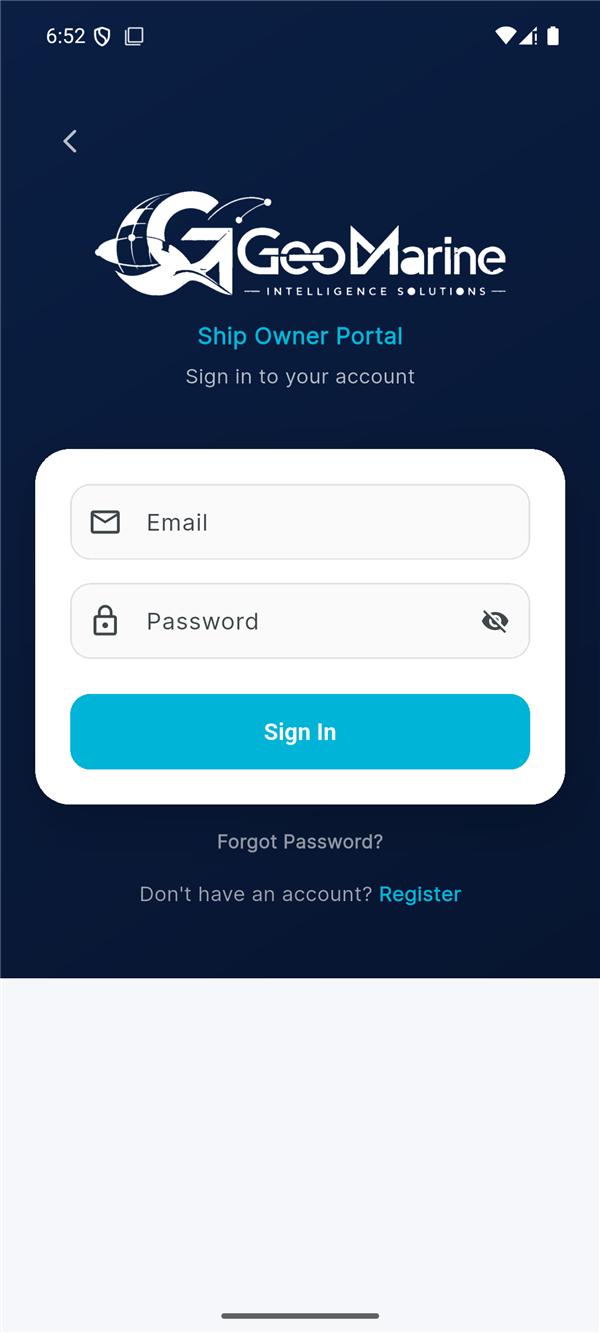
The single-vessel account uses the same buyer app as a ship owner. Log in at the app's sign-in screen, or tap Register and choose the Single Vessel option.
That's it. No company documents, no fleet to build. Once verified, you land on your dashboard ready to place your first order.
SECTION 3
Dashboard (Web & App)
Your command center for everything your vessel needs
Web Dashboard
https://geomarinehub.com/dashboard
🛥️Geomarine
DashboardOrdersCatalogueMessagesMy Vessel
🔔
OS
Welcome Back, Captain Omar — MV Sea Pearl 👋
1
Pending
2
Quoted
1
Confirmed
1
In Progress
7
Completed
340
Loyalty Points
Quick Order
📦
Ship Supplier
⛽
Bunker
💧
Fresh Water
🏢
Shipping Agency
Recent Orders
Order IDPortServiceStatusDate
#ORD-2026-0118FujairahShip SupplierQuoted14 Jun
#ORD-2026-0115Jebel AliFresh WaterConfirmed11 Jun
#ORD-2026-0109Khor FakkanBunkerCompleted06 Jun
#ORD-2026-0102DubaiShipping AgencyCompleted30 May
Notice the difference: the navigation shows "My Vessel" (singular), not "My Vessels". A single-vessel account has one ship attached to every order automatically — there is no fleet to choose from.
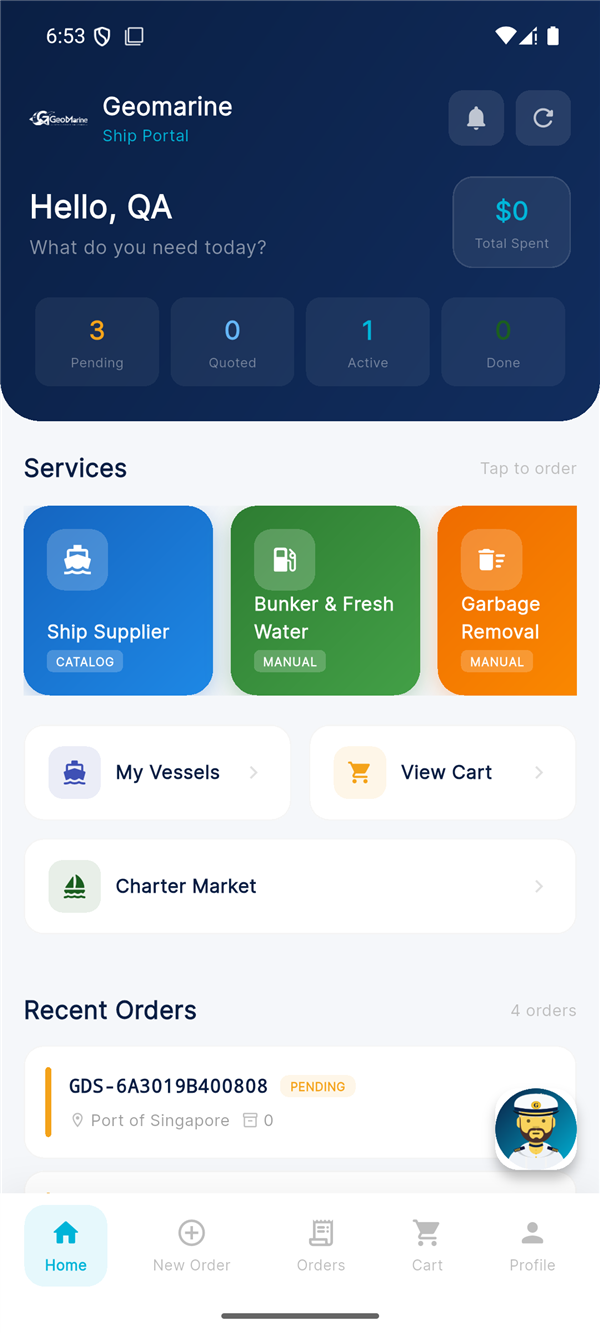
App Dashboard
SECTION 4
Vessel Profile
Your ship's details — one vessel, one profile (no fleet)
Because the vessel is the account, you have a single Vessel Profile rather than a fleet list. Keep these details current — they are used to pre-fill your orders and to help suppliers quote accurately.
Vessel Information Fields
Field
Description
Example
Vessel Name
Official registered name
MV Sea Pearl
Vessel Type
Classification of vessel
General Cargo
IMO Number
Unique 7-digit identifier
9612345
Flag State
Country of registration
Panama
DWT
Deadweight tonnage
12,500
Year Built
Construction year
2015
Web — Vessel Profile
https://geomarinehub.com/vessel
My Vessel
✏️ Edit Details
🛥️
MV Sea Pearl
General Cargo
IMO:9612345
Flag:🇵🇦 Panama
DWT:12,500
Built:2015
Master / Operator:Capt. Omar Saleh
Account type:Single Vessel
App — Vessel Profile
9:41📶 🔋
My Vessel
✏️ Edit
🛥️
MV Sea Pearl
General Cargo
IMO9612345
Flag🇵🇦 Panama
DWT12,500
Built2015
🏠 Home
📋 Orders
➕ New
💬 Chat
⚓ Vessel
⚠️ Note: A single-vessel account is tied to one ship. If you later add more vessels or operate a fleet, you can upgrade to a full Ship Owner / Manager account, which adds the "My Vessels" fleet manager. Contact support to convert your account.
SECTION 5
Placing an Order — Website
Step-by-step guide to creating an order on the web platform
Can't find an item in the IMPA catalogue? Add a custom / manual item with your own description.
https://geomarinehub.com/order/manual-entry
Add Custom Item
Provision List - Fresh Vegetables
1
SET ▼
Per attached provision list. Fresh produce for 12 crew, 21-day voyage.
+ Add to Order
Step 4: Review Cart
https://geomarinehub.com/order/cart
Your Cart 4 items
+ Add More Items
📦 Ship Supplier
Manila Rope 20mm IMPA: 232145
Qty: 1 COIL 🗑
Oil Filter Element IMPA: 350230
Qty: 4 PCS 🗑
Work Gloves (Leather) IMPA: 190105
Qty: 12 PAIR 🗑
Provision List - Fresh Vegetables Manual Entry
Qty: 1 SET 🗑
Proceed to Checkout →
Step 5: Checkout & Submit
https://geomarinehub.com/order/checkout
Order Details
MV Sea Pearl — General Cargo Your Vessel
2026-06-22
🇦🇪 United Arab Emirates ▼
Fujairah ▼
Fujairah Port Agency
Delivery required before vessel departure at 20:00. Contact Master on arrival.
Total items: 4 items Service: Ship Supplier
Submit Order ✓
The vessel is pre-filled. Since the account is your ship, there is no vessel picker — MV Sea Pearl is attached automatically. You just choose the port and ETA.
After Submission: Your order is sent to all relevant registered suppliers in the port area. Your identity stays masked until you accept a quote. You will receive notifications as quotes come in.
SECTION 6
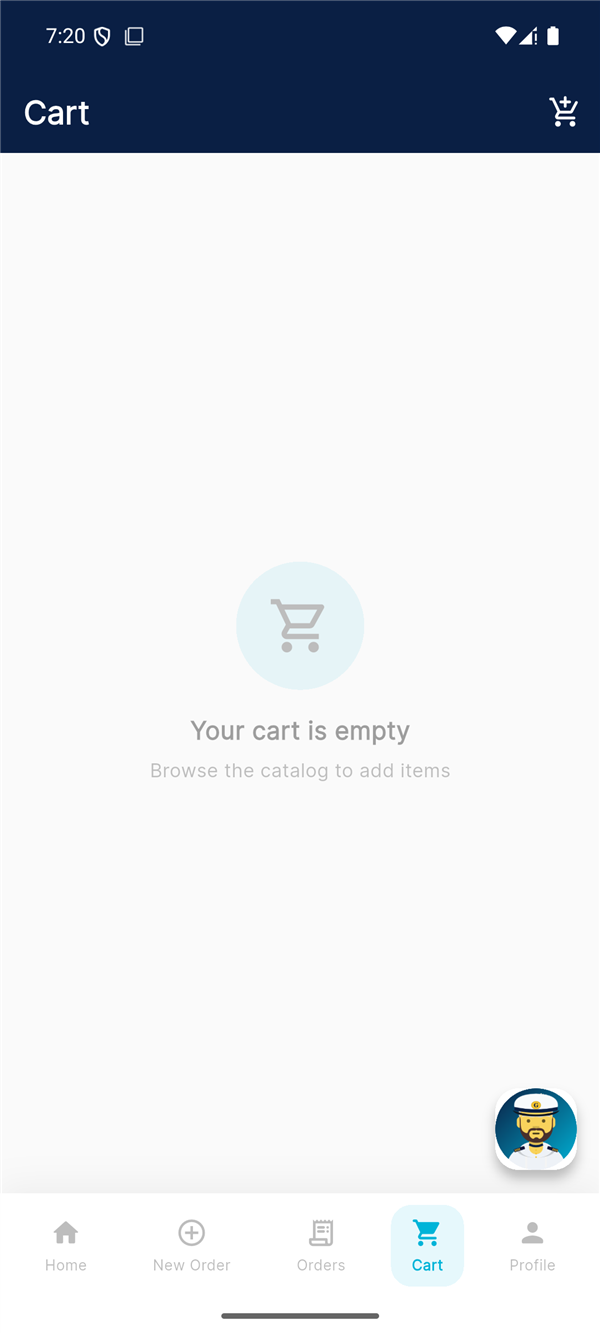
Placing an Order — App
Create orders on the go from your mobile device
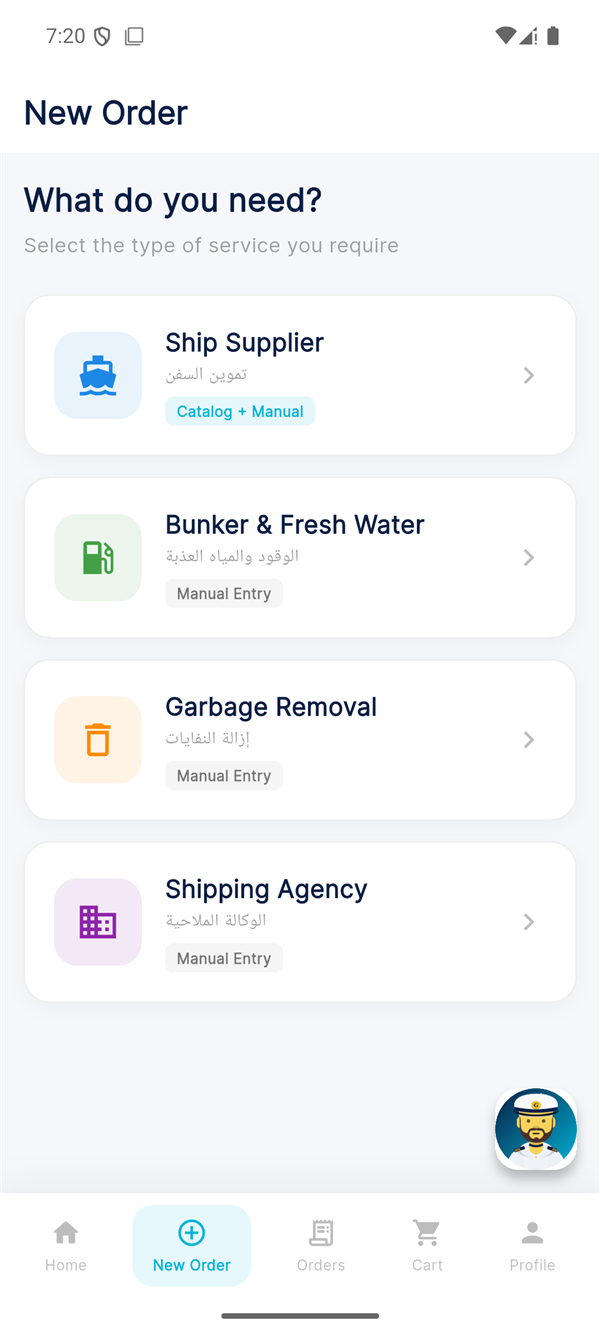
1. Select Service
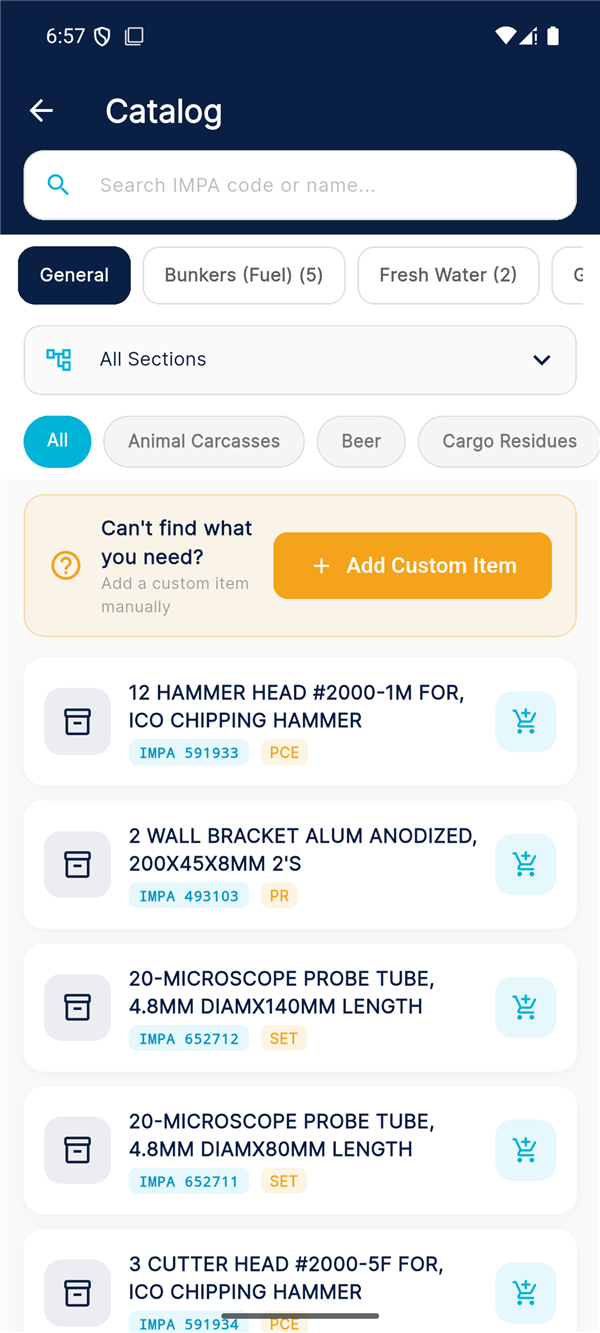
2. Search & Add Items
3. Review Cart
4. Checkout & Submit
9:41📶 🔋
Order Details
MV Sea Pearl (your vessel)
🇦🇪 UAE — Fujairah
2026-06-22
Deliver before 20:00
Submit Order ✓
SECTION 7
Product Catalogue
Search and browse the IMPA marine catalogue — 51,000+ coded items
The catalogue is built on the international IMPA marine stores coding system, with 51,000+ items organised in a three-level category tree. Browse it in-portal during an order, or open it directly at geomarinehub.com/catalogue.
Search Features
Search by product name (e.g., "rope", "filter", "paint")
Search by IMPA code (e.g., 232145)
Filter by category (Deck, Engine, Safety, Provisions, etc.)
Recently ordered items for quick reorder
Favourites list for items you order often
Add custom / manual items when something isn't coded
Tip: Add items to your Favourites so the supplies your vessel reorders every voyage are one tap away.
SECTION 8
Shopping Cart & Checkout
Review your order and submit for quotes
Checkout Fields
Field
Required
Description
Vessel
Auto
Your registered vessel (filled in automatically)
Country
Yes
Destination country for delivery
Port
Yes
Specific port within the selected country
ETA Date
Yes
Expected arrival at port
Agent Name
No
Local shipping agent details
Agent Email
No
Agent contact for coordination
Special Instructions
No
Delivery notes, preferences
Attachments
No
Upload provision lists, specs (PDF, Excel)
⚠️ Cancellation Policy: Orders can be cancelled while in Pending status (before any supplier quotes). Once a quote has been submitted, cancellation requires contacting Geomarine support. Confirmed orders cannot be cancelled without agreement from the supplier.
Tip: Double-check your port and ETA before submitting. Incorrect details may delay the quoting process or get you quotes from the wrong location.
SECTION 9
Reviewing & Accepting Quotes
Compare offers and choose the best supplier for your vessel
Fujairah · Ship Supplier · MV Sea Pearl · ETA: 22 Jun 2026
Fujairah Marine Supplies
Fujairah, UAE · ⭐ 4.8 (124 reviews)
$3,150
Delivery: 2 days
Manila Rope 20mm x1 COIL$190
Oil Filter Element x4 PCS$1,000
Work Gloves (Leather) x12 PAIR$210
Fresh Vegetables (Provision List) x1 SET$1,750
Accept This Quote ✓
Gulf Ship Stores Best Price
Fujairah, UAE · ⭐ 4.5 (89 reviews)
$2,940
Delivery: 3 days
Manila Rope 20mm x1 COIL$170
Oil Filter Element x4 PCS$880
Work Gloves (Leather) x12 PAIR$190
Fresh Vegetables (Provision List) x1 SET$1,700
Accept This Quote ✓
Emirates Marine Trading
Fujairah, UAE · ⭐ 4.9 (201 reviews)
$3,040
Delivery: 1 day
View BreakdownAccept This Quote ✓
Compare more than price. The cheapest quote isn't always the best — weigh delivery time, supplier rating, and the line-by-line breakdown. The fastest supplier here delivers in one day.
What happens when you accept? The supplier is notified and confirms the order. Only at this point is your identity (vessel name, contact details) revealed to that one supplier — the others never see who you are.
App — Quote Cards
SECTION 10
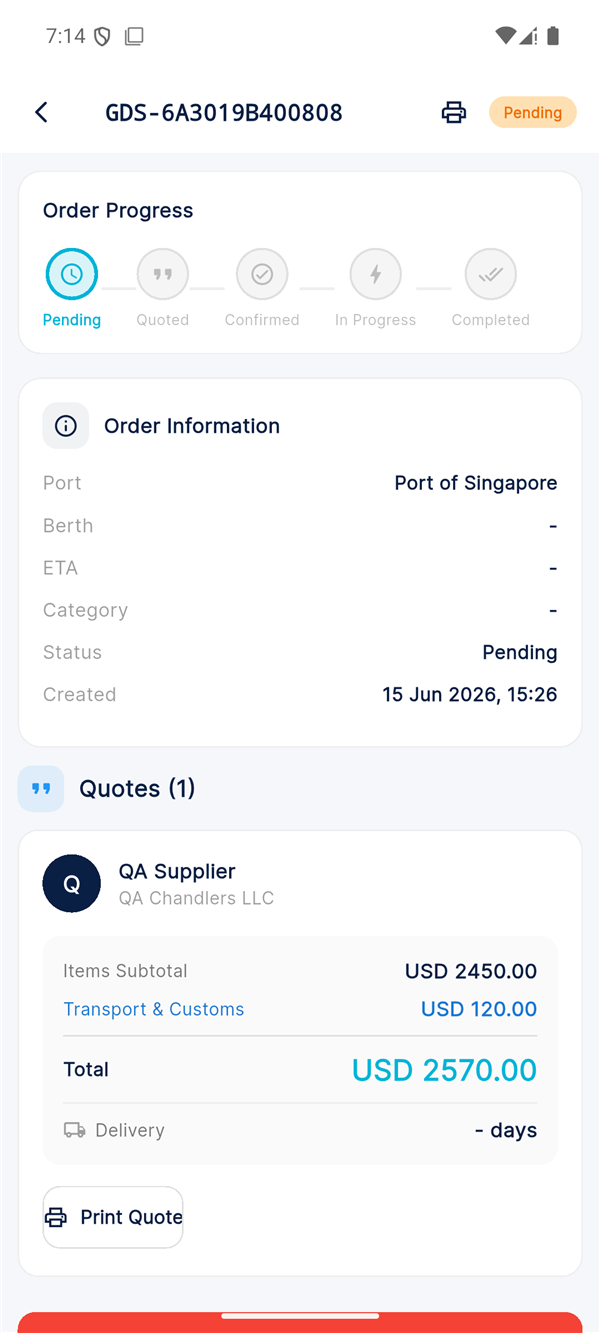
Order Tracking & Delivery Note
Monitor your order and confirm what was actually delivered
Order Status Flow
Status
Color
Description
Pending
Gold
Order submitted, awaiting supplier quotes
Quoted
Cyan
One or more suppliers have submitted quotes
Confirmed
Green
You accepted a quote, supplier confirmed
In Progress
Purple
Order is being prepared / delivered
Completed
Navy
Delivery confirmed, order finished
Cancelled
Red
Order was cancelled
The Delivery Note — Actual Delivered Quantity
When the supplier delivers, they record the actual delivered quantity per line on a Delivery Note. This matters: if some items were short or substituted, the invoice and the platform commission are based on what was actually delivered, not what was originally ordered. You can review the Delivery Note before confirming receipt.
Gulf Ship Stores · Fujairah · Delivered 22 Jun 2026
ItemOrderedDeliveredStatus
Manila Rope 20mm1 COIL1 COILFull
Oil Filter Element4 PCS4 PCSFull
Work Gloves (Leather)12 PAIR10 PAIRShort 2
Fresh Vegetables (Provision List)1 SET1 SETFull
🖨️ Print Delivery NoteConfirm Receipt ✓
⚠️ Confirm receipt — or it auto-confirms. After delivery you should review the Delivery Note and tap Confirm Receipt. If you take no action, the order auto-confirms after 7 days. The invoice and commission reflect the actual delivered quantities shown on the note.
Web — Order Detail with Timeline
https://geomarinehub.com/orders/ORD-2026-0115
Order #ORD-2026-0115
Jebel Ali · Fresh Water · MV Sea Pearl · Confirmed
✓
Pending
✓
Quoted
3
Confirmed
4
In Progress
5
Completed
Supplier
Jebel Ali Water Services
Quote Accepted
$1,260 — Potable Water (60 MT)
ETA
11 June 2026
Confirmed On
09 June 2026
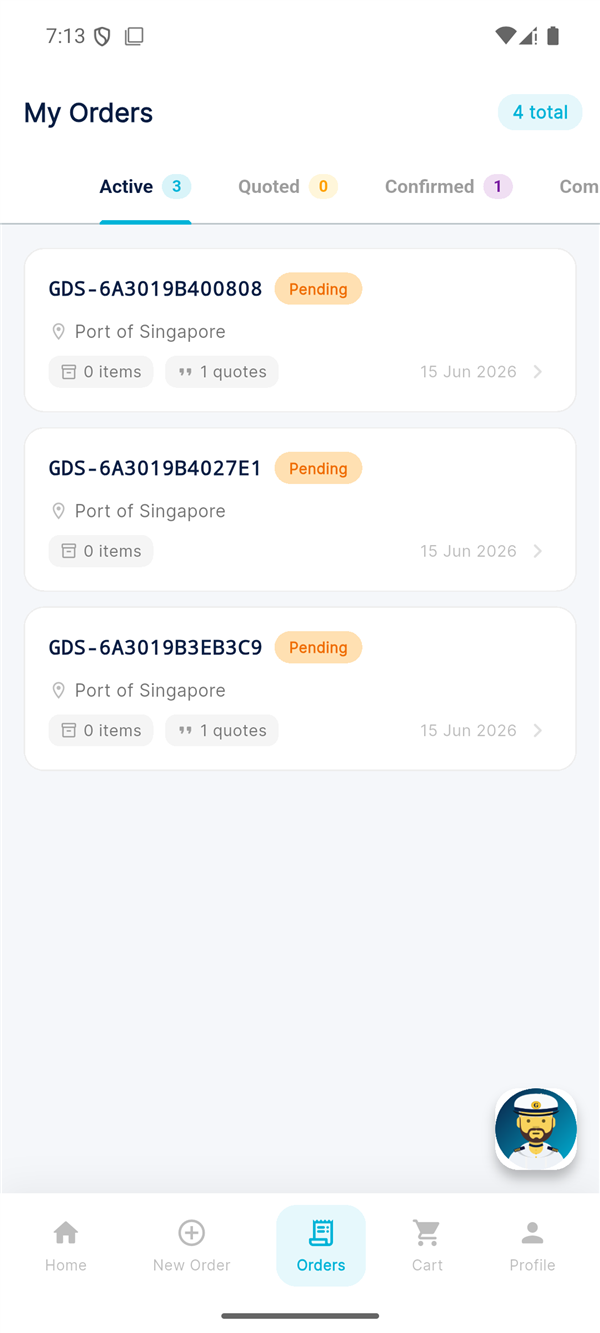
App — Orders List
SECTION 11
Chat & Messaging
Communicate directly with suppliers about your orders
Once a supplier submits a quote on your order, you can start a direct conversation with them. Use the chat to clarify requirements, negotiate terms, or coordinate delivery logistics at the berth.
App — Chat Screen
9:41📶 🔋
←
GS
Gulf Ship Stores
Online · #ORD-2026-0118
Today, 10:32 AM
Captain Omar
When will the delivery arrive?
Gulf Ship Stores
Tomorrow at 09:00 AM, berth 4
Captain Omar
Please confirm with the agent
Gulf Ship Stores
Already confirmed ✓
📎
Type a message...
➤
Chat Tips:
Attach photos of damaged items or specific requirements
All chat history is preserved for your records
You receive push notifications for new messages
Chat is available on both web and mobile
SECTION 12
Reviews & Disputes
Rate your experience and resolve any issues
Rating a Supplier
After an order is marked as Completed, you can rate the supplier on a 5-star scale.
Bunker delivered on schedule, quantity matched the BDN. Minor delay in paperwork but overall a smooth supply.
Submit Review
Opening a Dispute
If you encounter issues with an order, follow these steps:
Try Chat First — Contact the supplier directly through the order chat to resolve the issue informally.
Open a Dispute — Navigate to the order and tap "Report Issue". Select the issue type (quality, quantity, delay, pricing, other).
Provide Evidence — Attach photos, documents, or chat screenshots that support your claim.
Geomarine Review — Our team will review both sides and mediate within 48 hours.
Resolution — Possible outcomes: partial refund, redelivery, supplier warning, or full refund.
⚠️ Important: Disputes must be opened within 7 days of order completion. After this period, orders are considered finalized. Short-delivered lines recorded on the Delivery Note are already reflected in your invoice, so check it before confirming.
SECTION 13
Loyalty Points, Receipts & Invoices
Earn rewards and keep every document in one place
Your single-vessel account includes loyalty points, full order history, and downloadable receipts & invoices — the same as a fleet owner. Every completed order earns points you can redeem for rewards.
Web — Loyalty & Documents
https://geomarinehub.com/rewards
340
Points Balance
11
Orders Placed
3
Rewards Available
Recent Documents
DocumentOrderDate
🧾 Invoice#ORD-2026-010906 JunDownload
🧾 Receipt#ORD-2026-010230 MayDownload
📦 Delivery Note#ORD-2026-011822 JunDownload
Captain Geo — Your AI Assistant
Need a hand? Captain Geo, the built-in AI assistant, is available on every screen (web and app). Ask how to place an order, find an IMPA code, understand a quote, or what your loyalty points can buy — in English or Arabic.
9:41📶 🔋
⚓
Captain Geo
AI Assistant · Online
You
How do I reorder my last provision list?
Captain Geo
Open Orders → tap your last completed order → "Reorder". All items drop straight into a new cart for your vessel. ⚓
Ask Captain Geo...
➤
Invite & Earn: Share your referral link from the rewards area. When the people you invite join Geomarine, you both benefit — another way your single-vessel account earns rewards.
SECTION 14
Charter Out Your Vessel
Offer your ship on the Geomarine Charter Market
Your single-vessel account isn't just for buying supplies — you can also offer your vessel on the Charter Market (charter-out). List your ship's availability, and charterers can send you charter offers. It's an easy way to find work for your vessel between voyages, from the same account you already use.
https://geomarinehub.com/charter/list-vessel
List MV Sea Pearl for Charter
Make your vessel available to charterers on the marketplace
MV Sea Pearl — General Cargo Your Vessel
2026-07-01
Arabian Gulf — Indian Ocean ▼
Voyage / Time ▼
12,500 DWT general cargo, geared, open Fujairah from 1 July. Coastal and short-sea trades preferred.
Publish to Charter Market →
How charter offers work: Charterers browse the market and send offers on your listing. You review each offer, chat to agree terms, and accept the one that suits. As with supply orders, identities stay masked until an offer is accepted.
One account, two roles. The same login lets you buy supplies for your vessel and charter it out — no extra registration needed.
SECTION 15
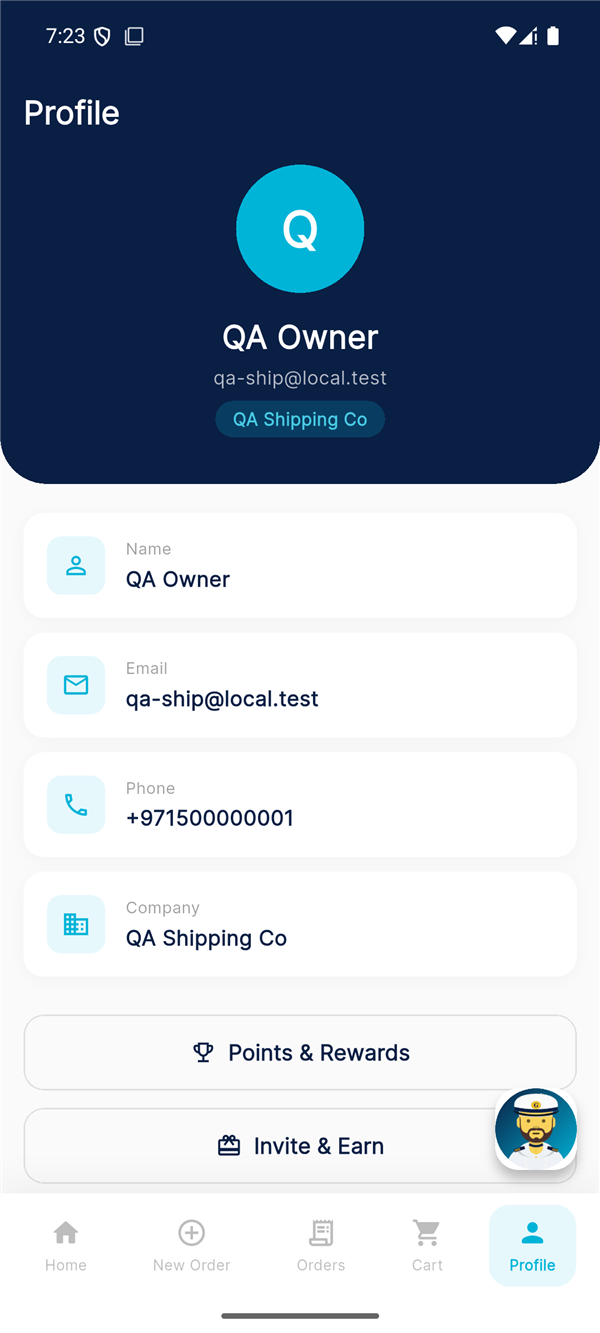
Profile, Languages & Support
Manage your account, switch languages, and get help
Geomarine is available in 13 languages, with Arabic and English fully supported (the app reads right-to-left in Arabic). Switch language any time from your profile.
⚠️ Service availability: The platform does not serve North Korea, Syria, Iran, Cuba, or Crimea / Sevastopol.
 Geomarine — Intelligence Solutions
geomarinehub.com →
Geomarine — Intelligence Solutions
geomarinehub.com →